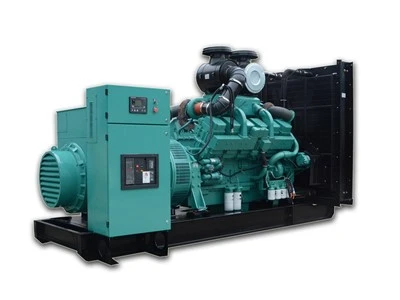
Overview of Automatic Start-Stop for Gas Generators
With continuous technological advancements, automatic start-stop functionality for gas generators has become a desirable operating mode for many users. By setting start-stop parameters, automatic control of the gas generator can be achieved, ensuring it starts promptly when needed, thereby improving efficiency and reducing maintenance costs.
Setting via Controller
Most gas generators are equipped with a dedicated controller, which allows for automatic start-stop settings. The specific operation method is as follows:
1. First, connect the generator controller to the computer using a connecting cable.
2. Open the settings software on the computer and select the relevant settings parameters, such as start time and stop time.
3. Click the "Set" button to save the parameters to the gas generator controller.
4. After completing the settings, disconnect the connecting cable to achieve automatic start-stop of the gas generator.
Setting Automatic Start-Stop Parameters
In addition to using the controller, users can also manually set the automatic start-stop of the gas generator. The specific steps are as follows:
1. First, open the gas generator's intake valve and start the generator to allow it to operate.
2. Then, adjust the automatic start-stop parameters. This generally includes the following aspects:
(1) Set the start time: This is the time when the gas generator starts running. It can be adjusted according to actual conditions; it is generally recommended to set it during peak electricity consumption periods.
(2) Set the stop time: This is the time when the gas generator stops running. It can also be adjusted according to actual conditions; it is recommended to set it during off-peak electricity consumption periods.
(3) Set the start mode: Generally, there are two modes: manual and automatic. You can choose according to your needs.
3. After completing the settings, close the intake valve, and the gas generator will automatically start and stop according to the set parameters.